02 / CONTENT FACTORY
From the first image
to the right version.
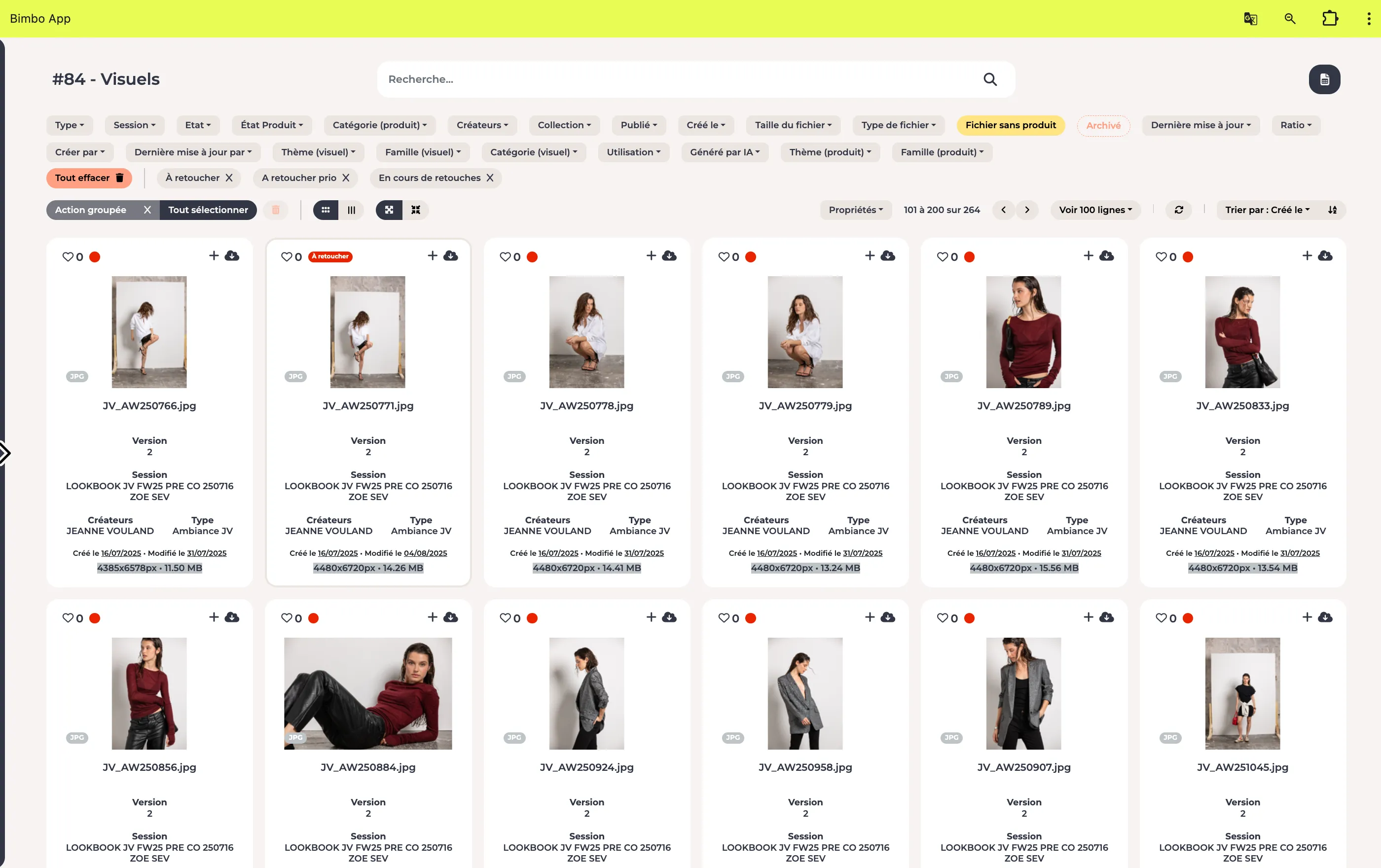
For studios, creative teams and content teams: coordinate production, retouching and approvals.
 Let’s talk☰
BIMBO MODULES · FOR RETAIL
bimbo connects your product records to their images and documents, organises content production and makes it easier to share with the right people.
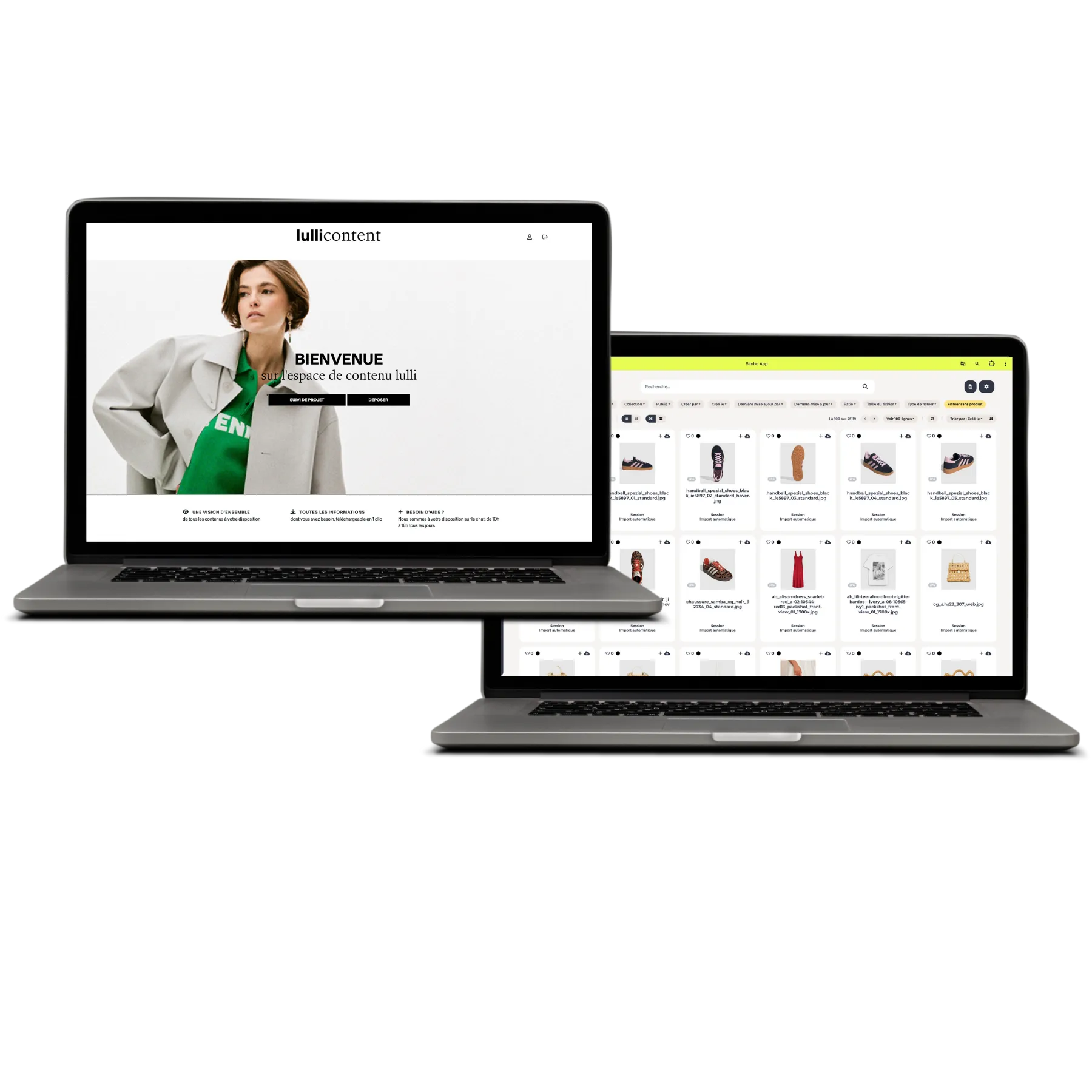
ALREADY PART OF THEIR TEAMS’ EVERYDAY WORK



.png)

WHAT DOES YOUR TEAM NEED?
Start with what you want to simplify.
We’ll help you build the rest.
01 / DAM · PRODUCTS & CONTENT
A reference, a collection, a colour, packshots, a video… In bimbo, product information and the content that illustrates it are connected.
Product, marketing and e-commerce teams find the context they need to work.

References, collections and specifications together in the product record.
Packshots, on-model photos, videos and documents linked to the right product.
Information and content visible according to your teams’ and partners’ profiles.
Find, enrich and share your products with their context.
See the DAM in a demoEACH TEAM, ITS OWN USE CASE
Complementary modules to combine around your organisation.
02 / CONTENT FACTORY
For studios, creative teams and content teams: coordinate production, retouching and approvals.
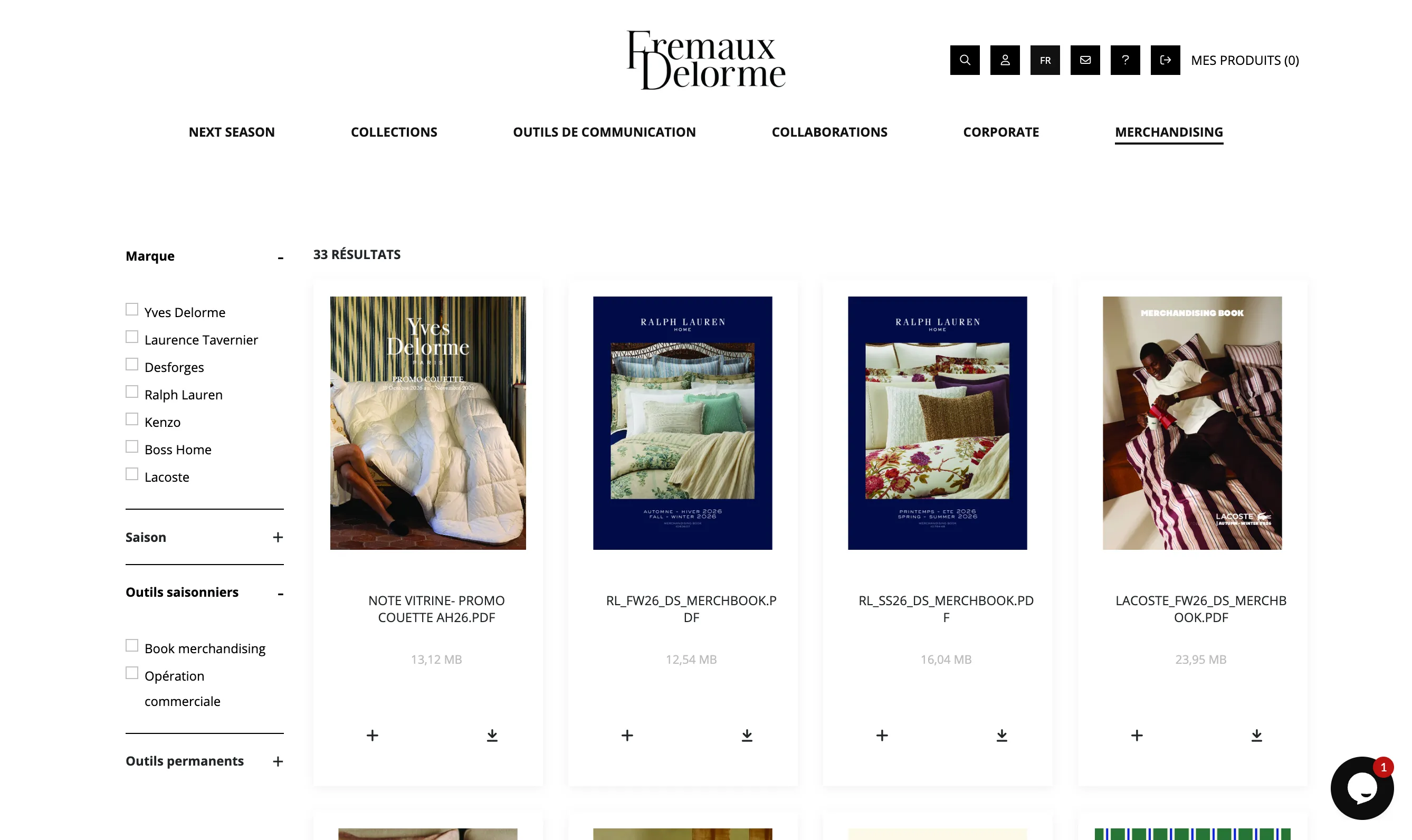
03 / BRAND STUDIO
For marketing teams, subsidiaries and agencies: provide access to brand resources through a portal that reflects your identity.
04 / VIRTUAL SHOWROOM
For sales teams and their retailers: present products, images and prices in a dedicated space.
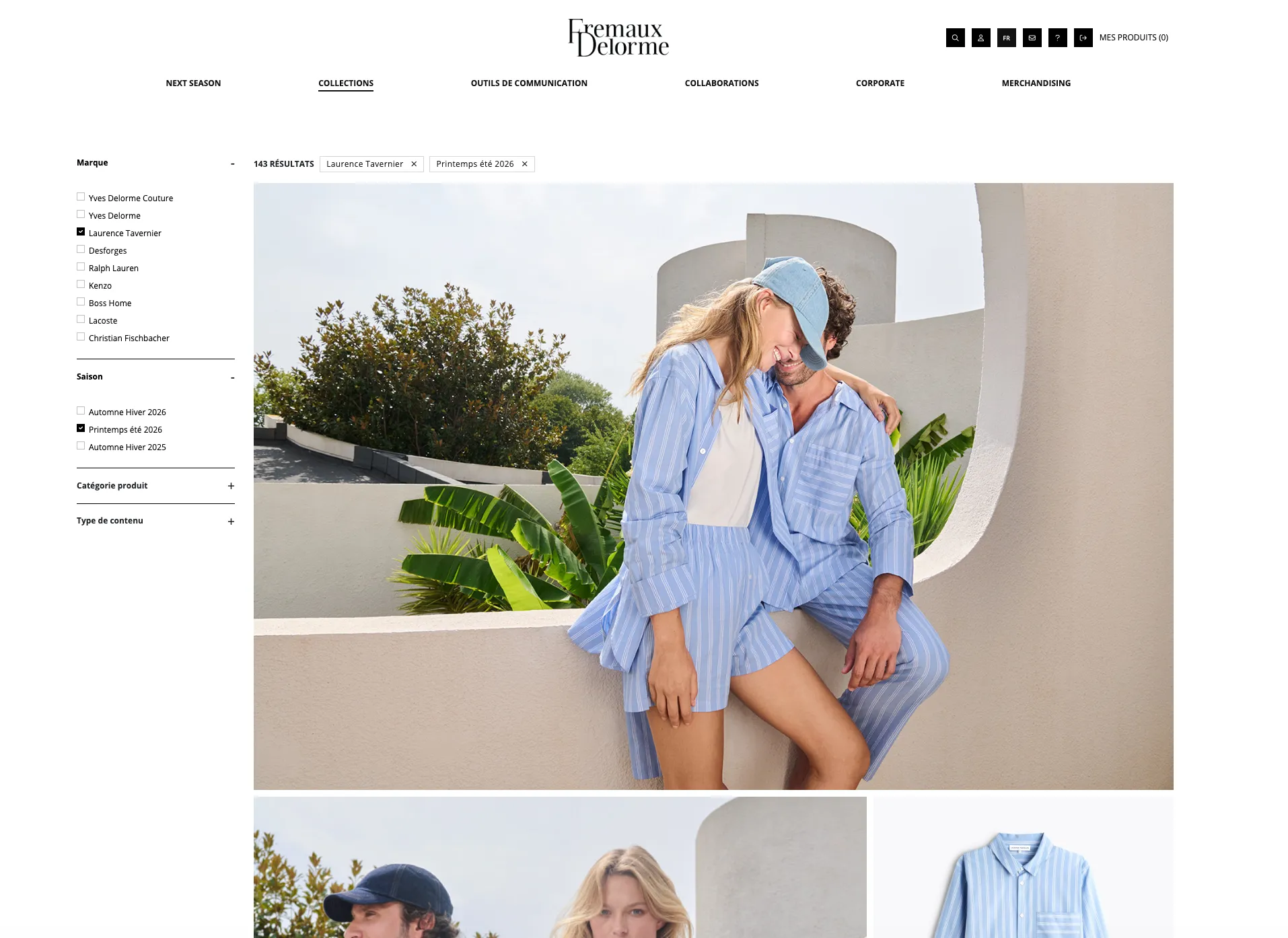
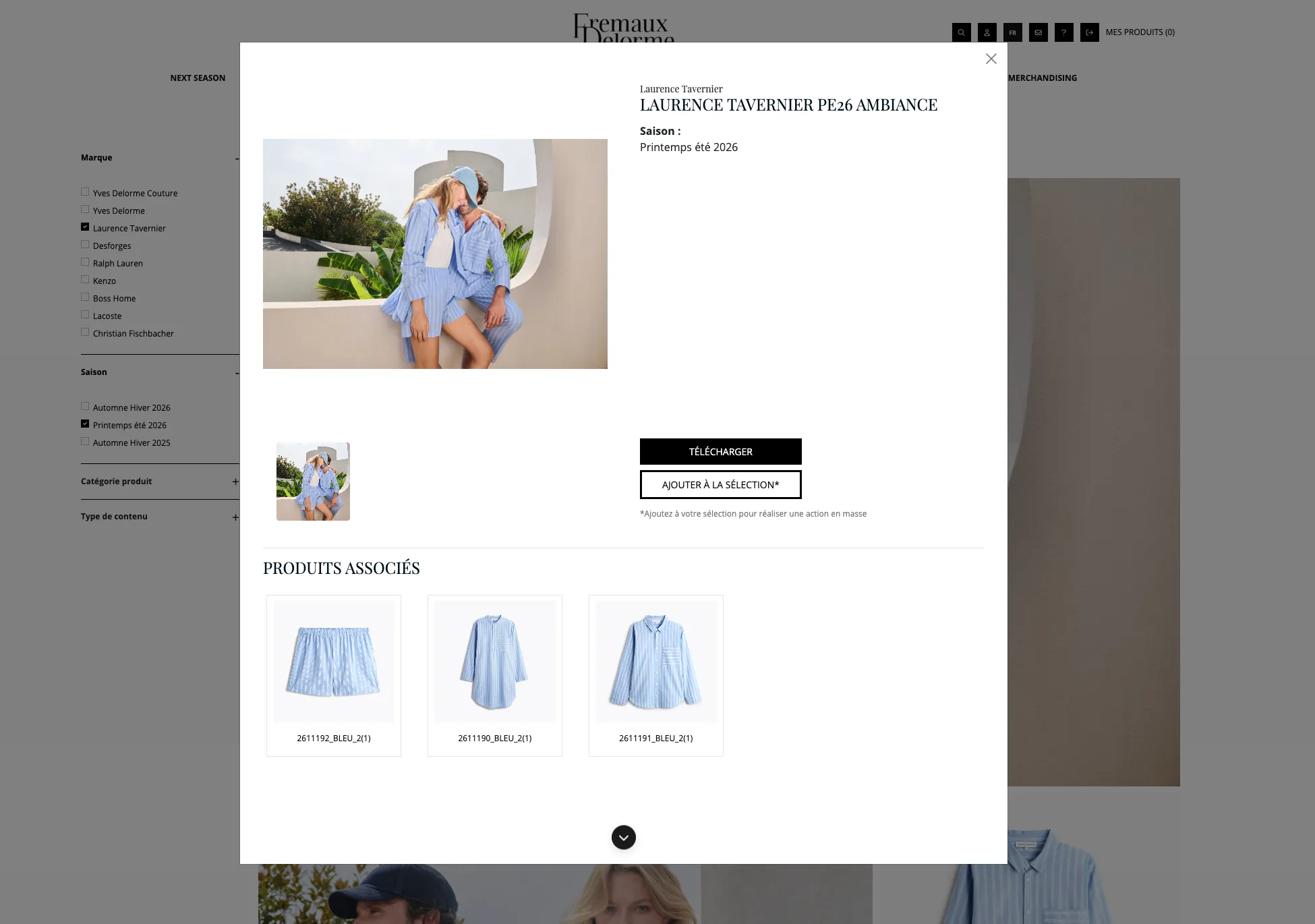 View the detail and related products
05 / PRESSROOM
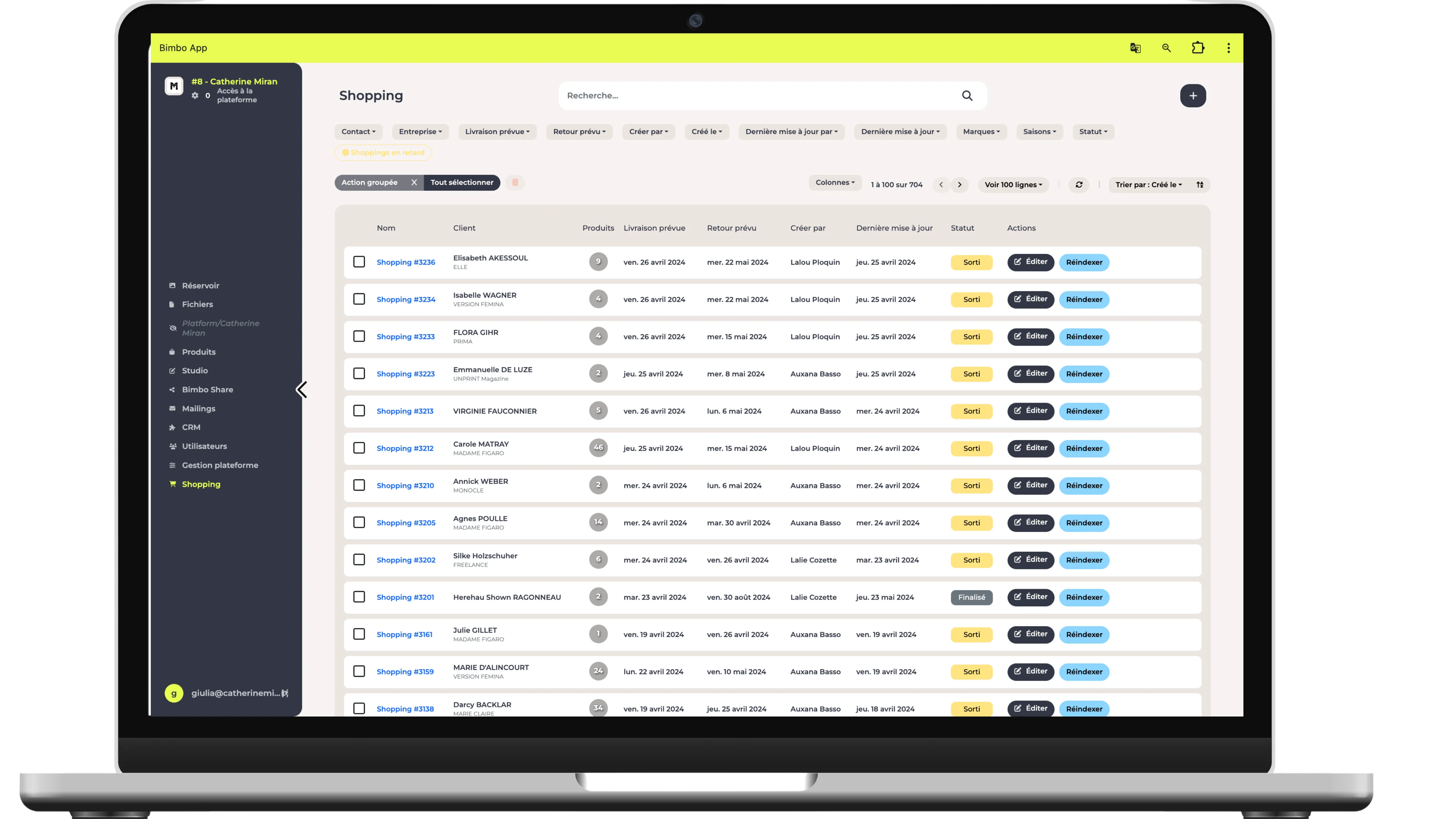
For PR teams and agencies: make content available to the media and track sample loan requests, item by item.
AN EXAMPLE: LAUNCHING A COLLECTION
The modules work around the same products and content. Your approval workflows and access rights connect the teams.
The product team prepares the collection’s references and information.
ProductThe studio adds images and their new versions.
StudioThe designated people approve the content and its uses.
MarketingPartners access authorised content in their own space.
Sales & PR
PART OF EVERYDAY WORK AT MONOPRIX
“Fast, efficient, comprehensive and easy to use. A responsive team that listens. Practical for both external and internal use.”
YOUR ORGANISATION. YOUR CONFIGURATION.
Start with the use cases that matter to your team. We help you define the right modules, access permissions and workflows.
A specific way of working? Let’s talk about your custom needs, too.
PIM, ERP, e-commerce: we explore the connections needed to exchange useful product information and content.
WE’RE HERE TO HELP
Answers to help you choose with confidence.
I have more questions ☝️Bimbo also manages product records and their information: references, collections, specifications and more. Images, videos and documents are associated with products so you can find and share everything with its context.
A PIM focuses on managing and enriching product information. Bimbo connects product records to their content and organises content production and sharing. If you already use a PIM, data flows and responsibilities are defined around your organisation.
No. You can combine modules according to your needs. We work with you to define the configuration, access rights and workflows that are useful to your teams.
Yes. Profiles define the products, information and prices people can see, as well as the actions they can take. A retailer and a journalist can therefore view different information about the same collection.
The Pressroom brings together products and content for the media. It supports HD downloads, product sheet sharing, and tracking sample loan requests and returns.
We identify the data to receive or send, the tools involved and the available access. The scope of connections with your PIM, ERP or e-commerce site is defined during project preparation.

Tell us about your products, content and teams.
We’ll show you how to bring it all together.